Post4 min read
Why we start every connection read-only
Read-only is slower for a week and safer for a year. Here is the reasoning behind our default.
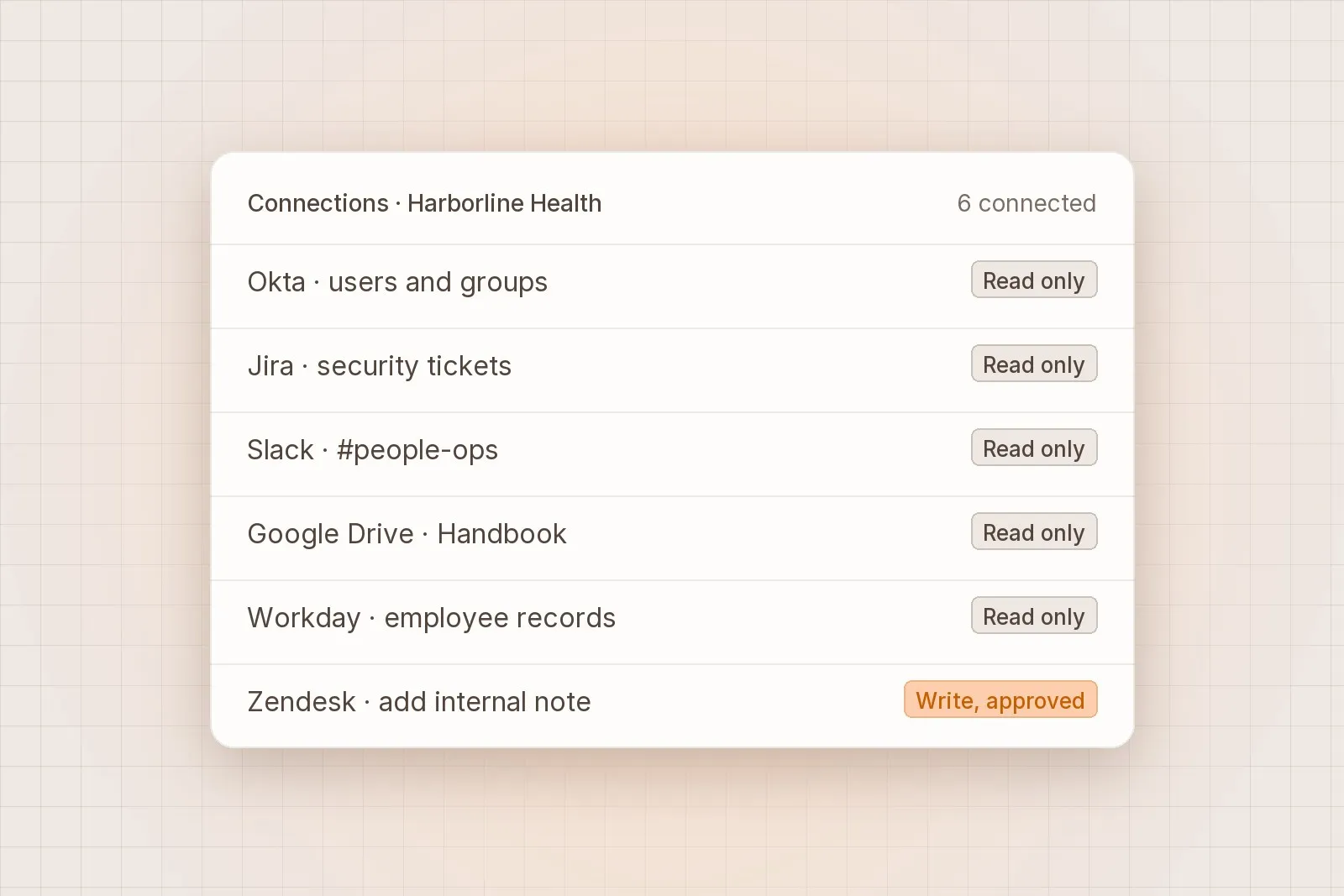
It is tempting to grant broad access so a pilot looks impressive quickly. An agent that can close tickets, update records and send messages on day one makes for a good demo. It also means your first security conversation happens after the fact, when the agent already has rights nobody reviewed. That is why every Lumen connection starts read-only, for every team and every system. Here is the reasoning behind that default, and how teams move past it when they are ready.
What read-only gives you
Read-only access lets the agent see what it needs to draft good work while removing any chance that it changes a system of record. That has three practical effects during a pilot.
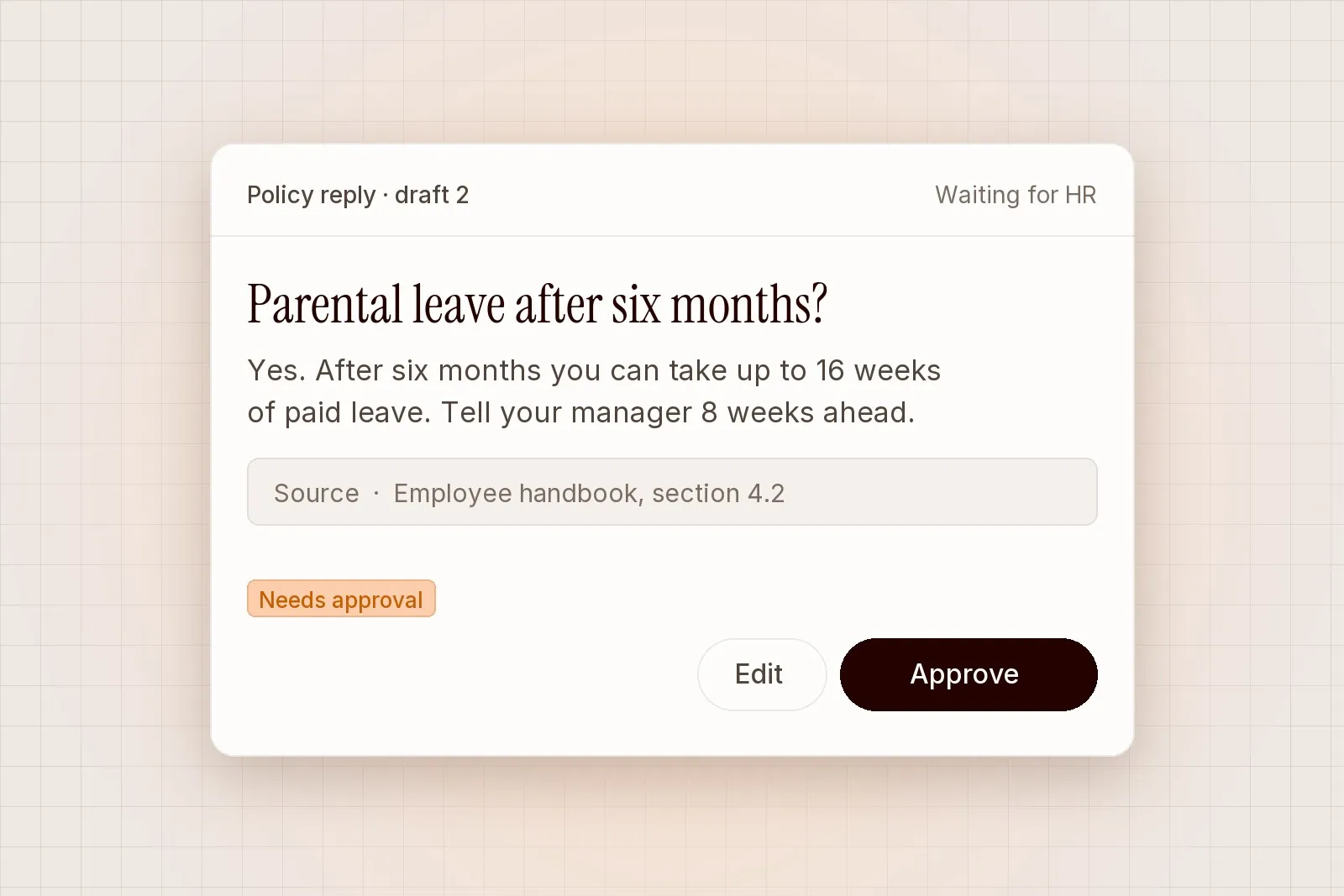
First, your team can judge the drafts with no risk. If a draft is wrong, the worst outcome is a reviewer rejecting it. Nothing was sent, closed or overwritten.
Second, your security lead can approve the pilot without a long review. The question changes from “what could this agent do to our systems?” to “what can this agent see?”, and the second question is much easier to answer.
Third, it keeps the conversation honest. When the agent can only draft, its value has to come from the quality of the drafts. If the drafts are good, the team will ask for more access. If they are not, no amount of access would have fixed that.
“Read-only meant I could say yes to the pilot in a week. I would not have signed off on write access to the alert queue that early.”
Marcus Hale, Head of Security Operations
The cost of starting this way
Read-only is slower for a week. During the pilot, a reviewer approves a draft and then copies it into the target system themselves, or the agent posts it somewhere the team can pick it up. That adds a step, and some teams find it frustrating.
We think the trade is worth it. A week of copying drafts is a small price for a year of knowing exactly what the agent is allowed to do and when each permission was added. Most teams also find that the extra step is useful: it gives reviewers time to see the drafts in context before anything is automated.
When to allow writing
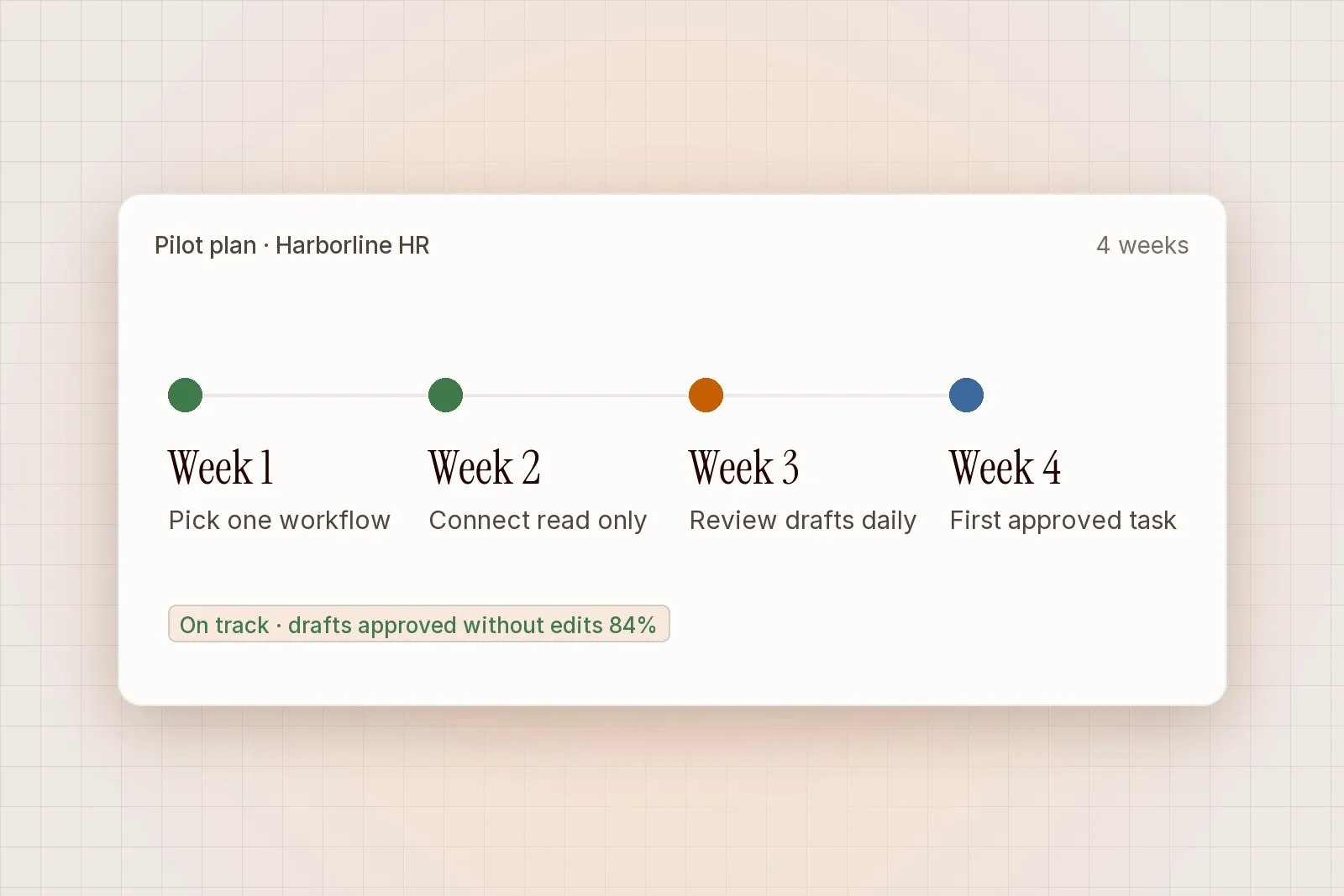
Switch on writing one action at a time, per agent, once the team trusts the drafts. In practice that usually happens toward the end of a four to six week pilot, when reviewers are making only small edits.
A good order for adding write access looks like this:
- Low-impact, internal actions first. Adding an internal note to a ticket or tagging a record changes nothing a customer or employee sees.
- Actions that are easy to reverse. Moving a ticket to a queue or setting a status can be undone in seconds.
- Actions that reach people. Sending a reply to an employee or a letter to a patient comes last, after the team is confident in the drafts.
- Actions that change access or money. These may never move to write access, and if they do, they usually need two approvals.
Each permission is granted to a specific agent, so an HR agent that can reply to policy questions gets no rights in the security team’s tools.
Every write still waits for a person
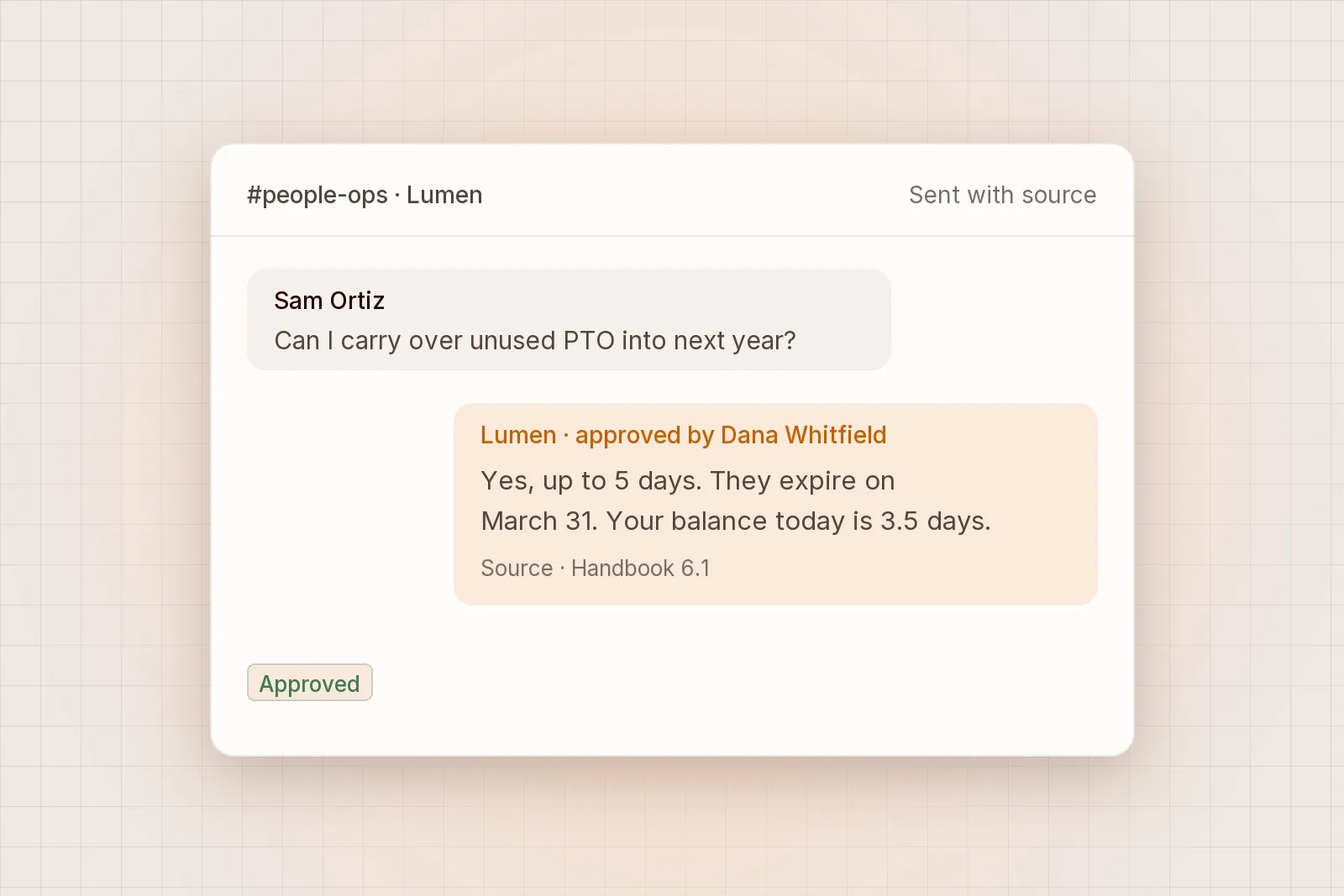
Adding write access does not remove the approval step. Every action the agent takes still waits for a named person to approve it, and every approval is recorded in the audit log with who approved it, when and what ran as a result. The log can be exported at any time, so your security team can check that the permissions in use match the ones they signed off.
Two other defaults apply from the first connection. Your data is never used to train models, and drafts and source extracts are kept for 30 days unless you choose a shorter period. Access to Lumen itself runs through SSO, with SCIM provisioning so leavers lose access automatically.
The default we would choose for ourselves
We start every connection read-only because it is the setup we would want if we were the ones reviewing the vendor. It costs a little speed at the start, keeps the security review short and leaves your team in charge of every permission the agent ever gets.