Guide5 min read
Automating intake without losing clinical review
A practical guide for health teams on where an agent helps with intake, and where a clinician must stay in charge.
Intake is repetitive, but it carries clinical risk. A referral letter can hide an urgent symptom in its third paragraph, and a form with one missing field can delay a patient by a week. The goal of bringing an agent into intake is to take the typing off clinicians’ plates without taking the judgement. This guide covers where an agent helps, where a clinician must stay in charge, and how to set up the review so it holds up when someone asks how a decision was made.
Start with work a clinician already checks
The safest first workflows are the ones where a qualified person already reviews every item. If a clinician reads each referral before it is booked, an agent that drafts a summary of that referral adds speed without removing a check. If nobody reviews a step today, adding an agent there creates a new risk that nobody is watching.
Good first workflows for most health teams look like this:
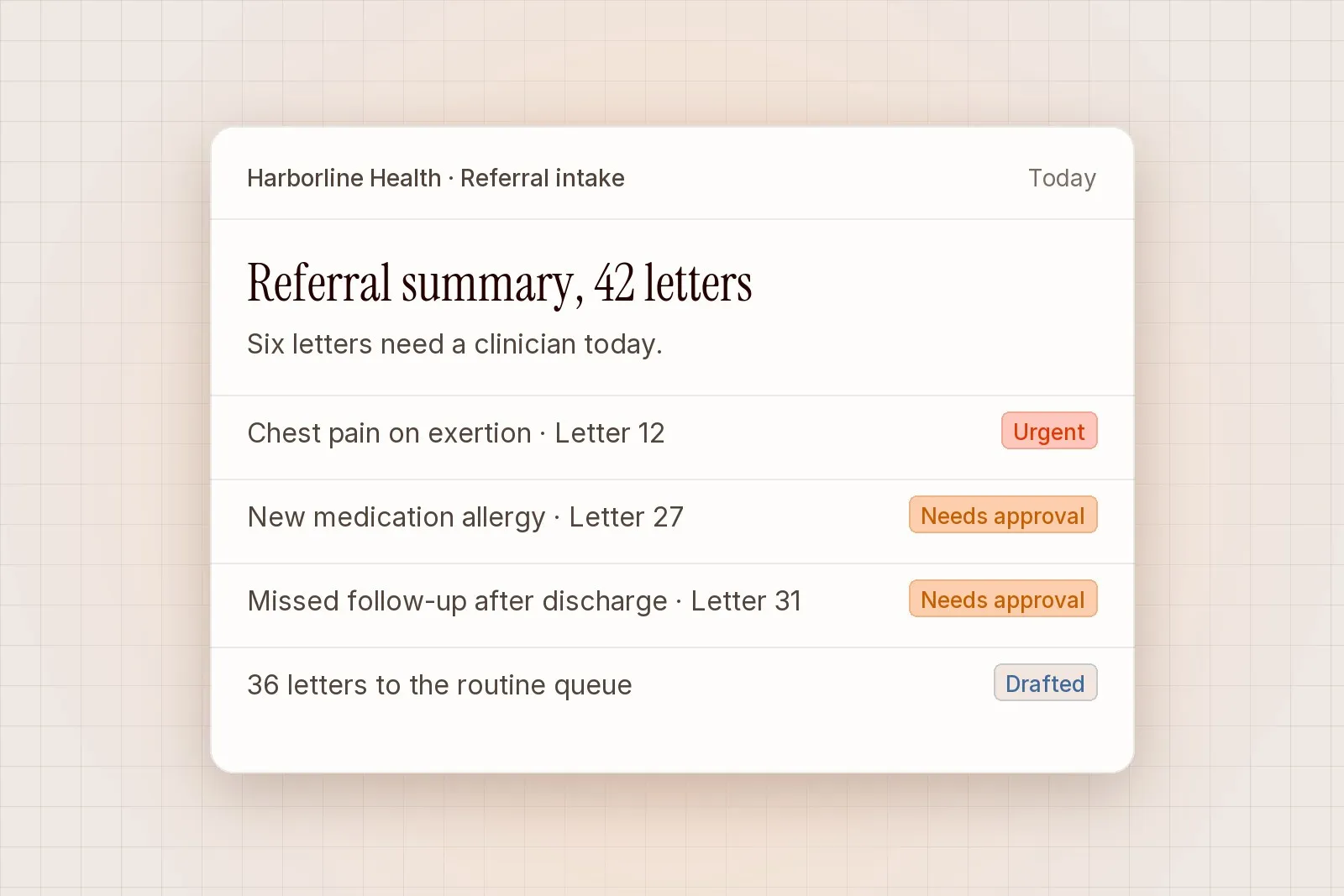
- Referral summaries. The agent reads the letter and drafts a short summary with the reason for referral, current medication, relevant history and anything marked as urgent.
- Sorting by specialty. The agent proposes a specialty and a queue for each referral, with the sentence that led to the suggestion.
- Missing information checks. The agent lists what the referral is missing, such as a recent test result or a consent form, and drafts a request to the referring practice for a person to send.
- Duplicate detection. The agent flags referrals that look like a repeat of one already in the system, so staff can merge them before booking.
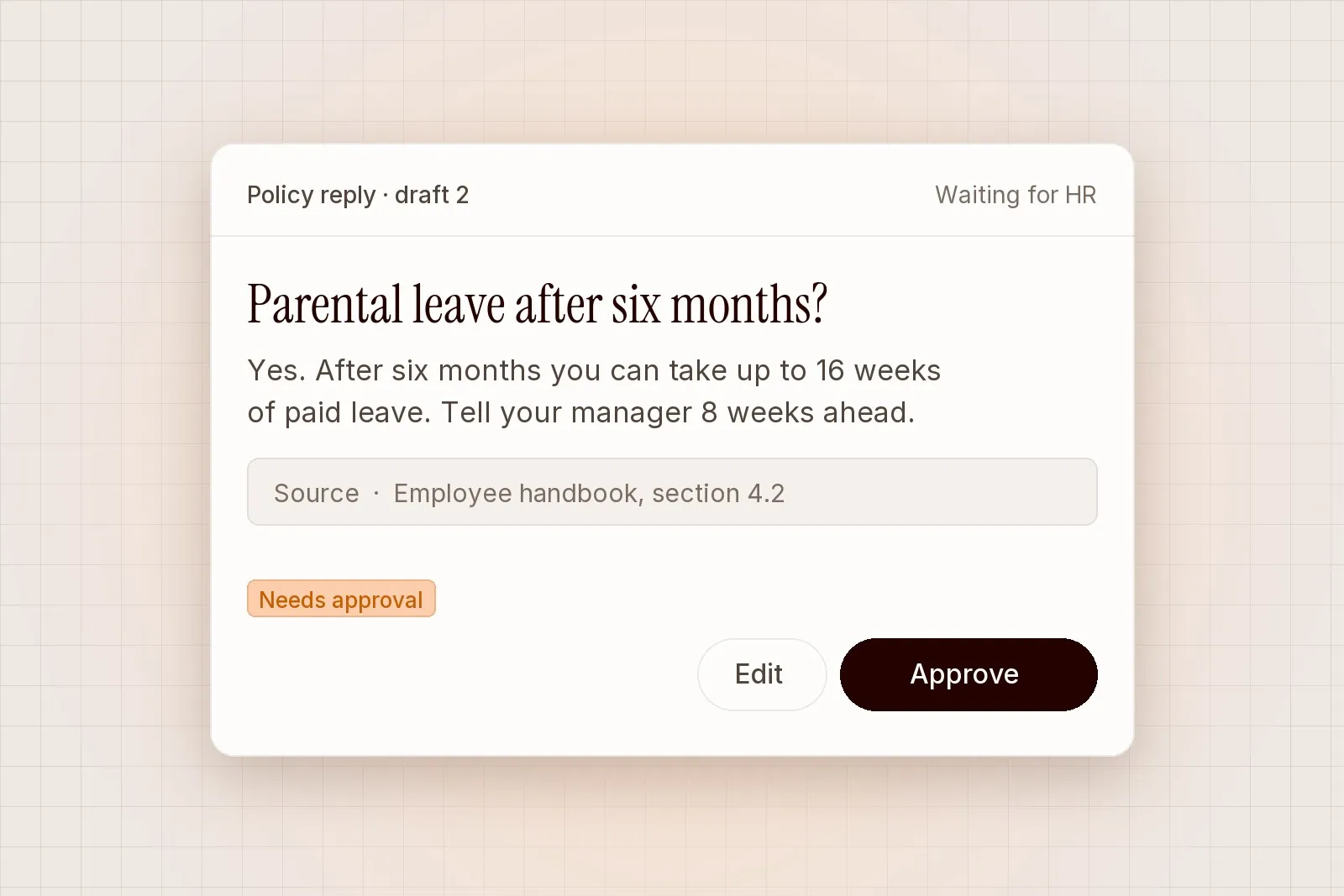
Each of these produces a draft. A person reads it, edits it if needed and approves it. Nothing reaches a patient or a booking system on the agent’s say-so.
Where to hold the line
Some decisions stay with a person no matter how good the drafts get. We recommend writing these down before the pilot starts, so the boundary is agreed by the clinical lead and does not shift under time pressure.
- Triage decisions. The agent can surface the facts a clinician needs to triage, but the urgency category is set by a clinician.
- Anything sent to a patient. Letters, messages and appointment changes are drafted for review and sent by a person.
- Clinical interpretation. The agent can quote a test result from the letter. It does not say what the result means for this patient.
- Exceptions to protocol. When a referral falls outside the usual pathway, the agent marks it and stops. It does not choose a workaround.
In practice the agent prepares the context and stops there. The clinician sees the summary, the source letter and the flagged items on one screen, and makes the call.
“The summaries save me the first read of every letter. I still decide what happens next, and I can see exactly which line the agent pulled each point from.”
Priya Nair, clinician, Patient Access
Make the review screen do the work
An approval step only protects patients if the reviewer can check the draft quickly and properly. For intake, that means the referral letter sits next to the summary, with each point in the summary linked to the sentence it came from. When the agent is unsure, it says so in plain words and the item moves to the top of the queue.
Flag counts matter here. If every referral carries five warnings, reviewers learn to ignore them. Tune the rules during the pilot so that flags are rare and meaningful: a mentioned symptom that matches your urgent list, a medication that conflicts with the referral reason, or a referral older than your target booking window.
Records, retention and access
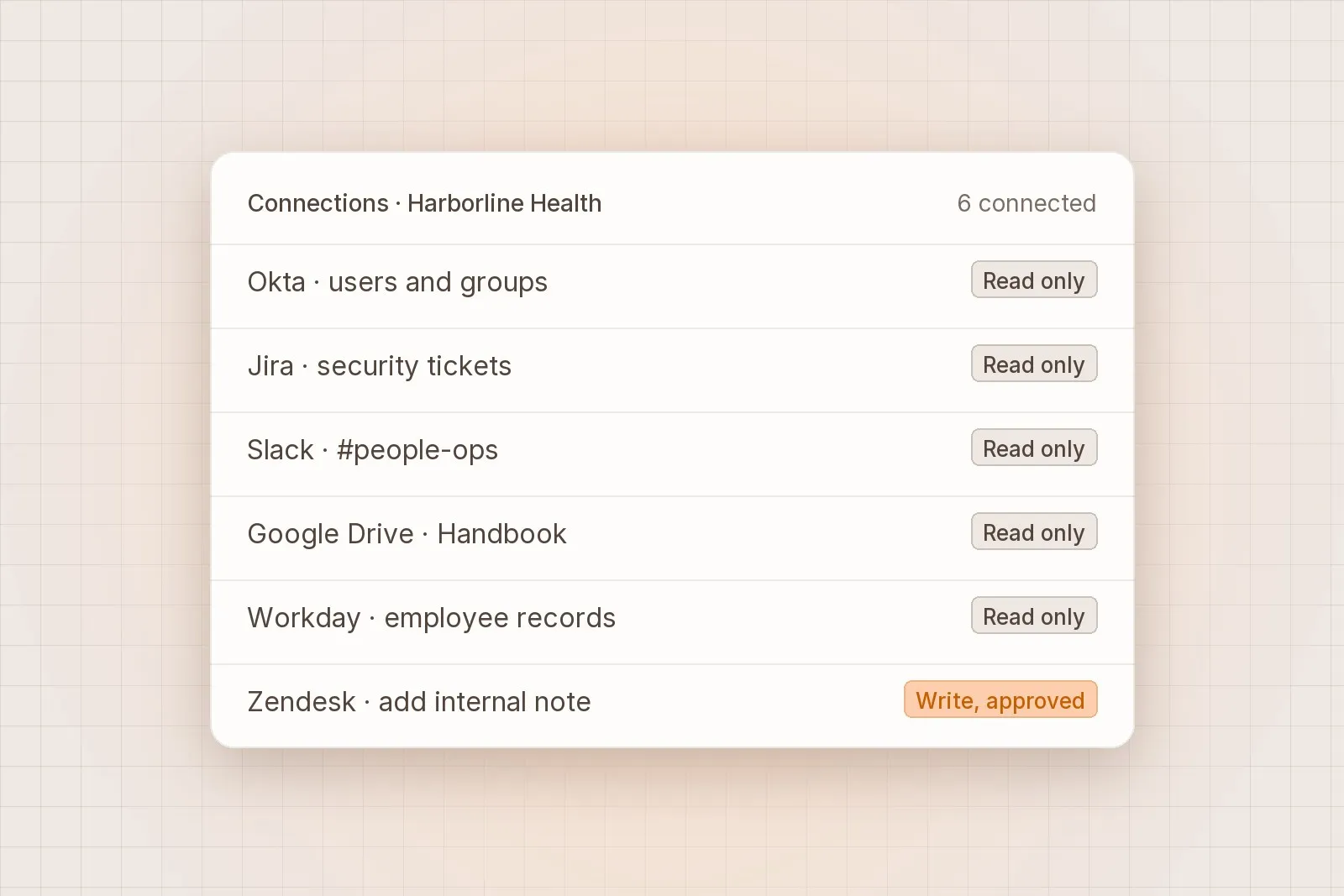
Health data needs a clear answer to where it goes and how long it stays. Lumen connects to your referral inbox and patient administration system with read-only access first, so the pilot cannot change a record. Every draft, edit, approval and rejection is written to the audit log with the person’s name and a timestamp, and the log can be exported for your governance team.
A few defaults are worth confirming with your information governance lead before you begin:
- Your data is never used to train models.
- Drafts and source extracts are kept for 30 days by default, and you can shorten that.
- Access is managed through your identity provider with SSO, and SCIM removes leavers automatically.
Running a pilot
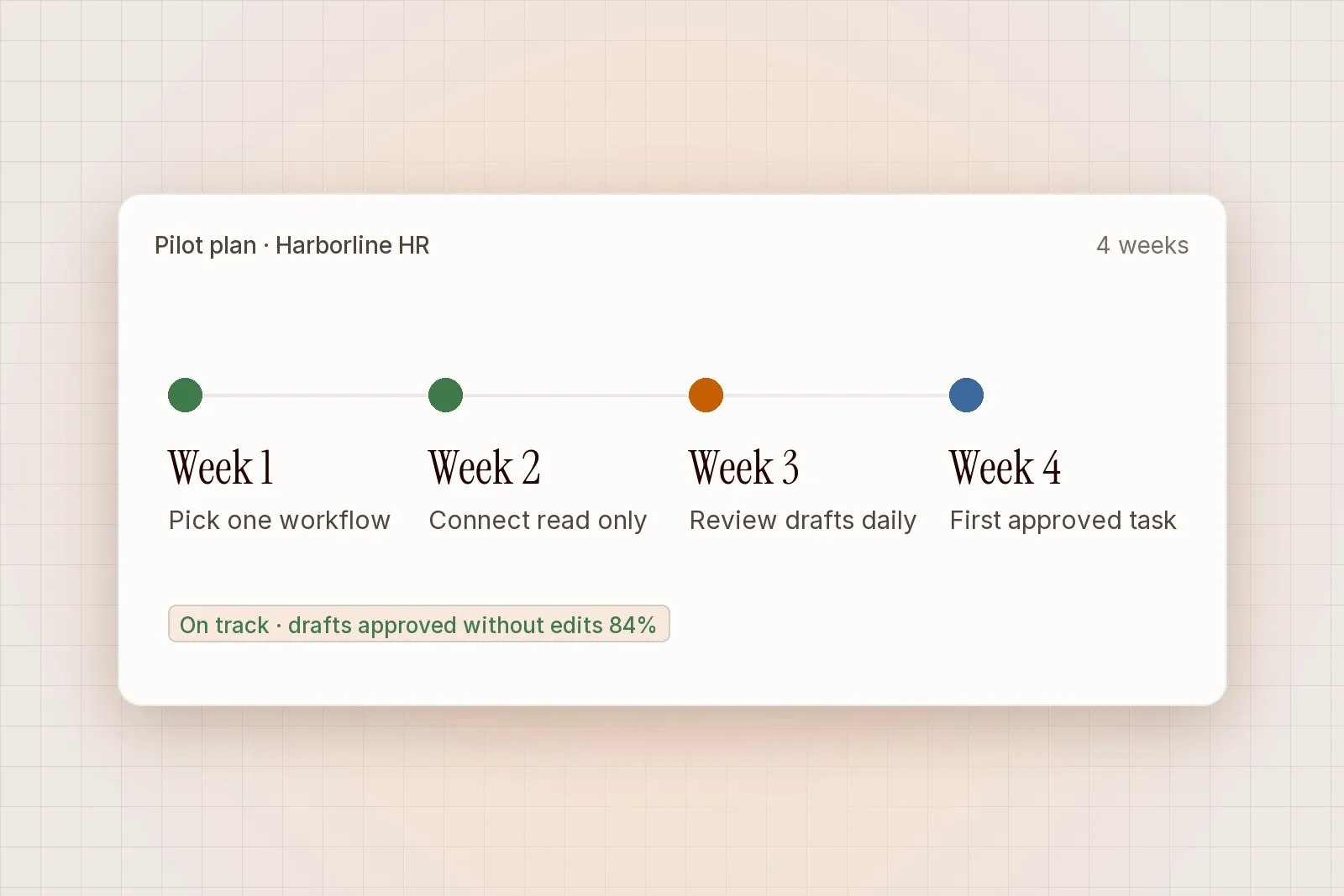
Most health teams run a pilot over four to six weeks. Pick one referral stream, such as a single specialty or one GP practice group, and have two or three clinicians review every draft during that time. Compare the agent’s summaries with what the clinicians would have written, note every correction and adjust the rules each week.
At the end, you should have a clear picture of how much reading time the summaries saved, how often clinicians changed a draft and which kinds of referral still need a full manual read. That evidence, together with the exported audit log, is what your clinical safety officer will want to see before the workflow goes wider.